Introducing
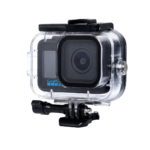
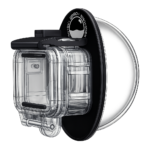
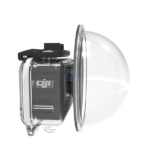
Manual DJI Osmo 3,4,5,6 camera Dome Port Assembly,
We're Here to Help Every Step of the Way! Follow these instructions to easily set up your DJI Osmo 3-6 camera Dome Port, and remember, our team is always ready to assist with any questions you might have.
- Remove Protective Film:
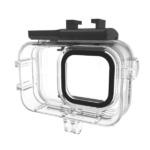
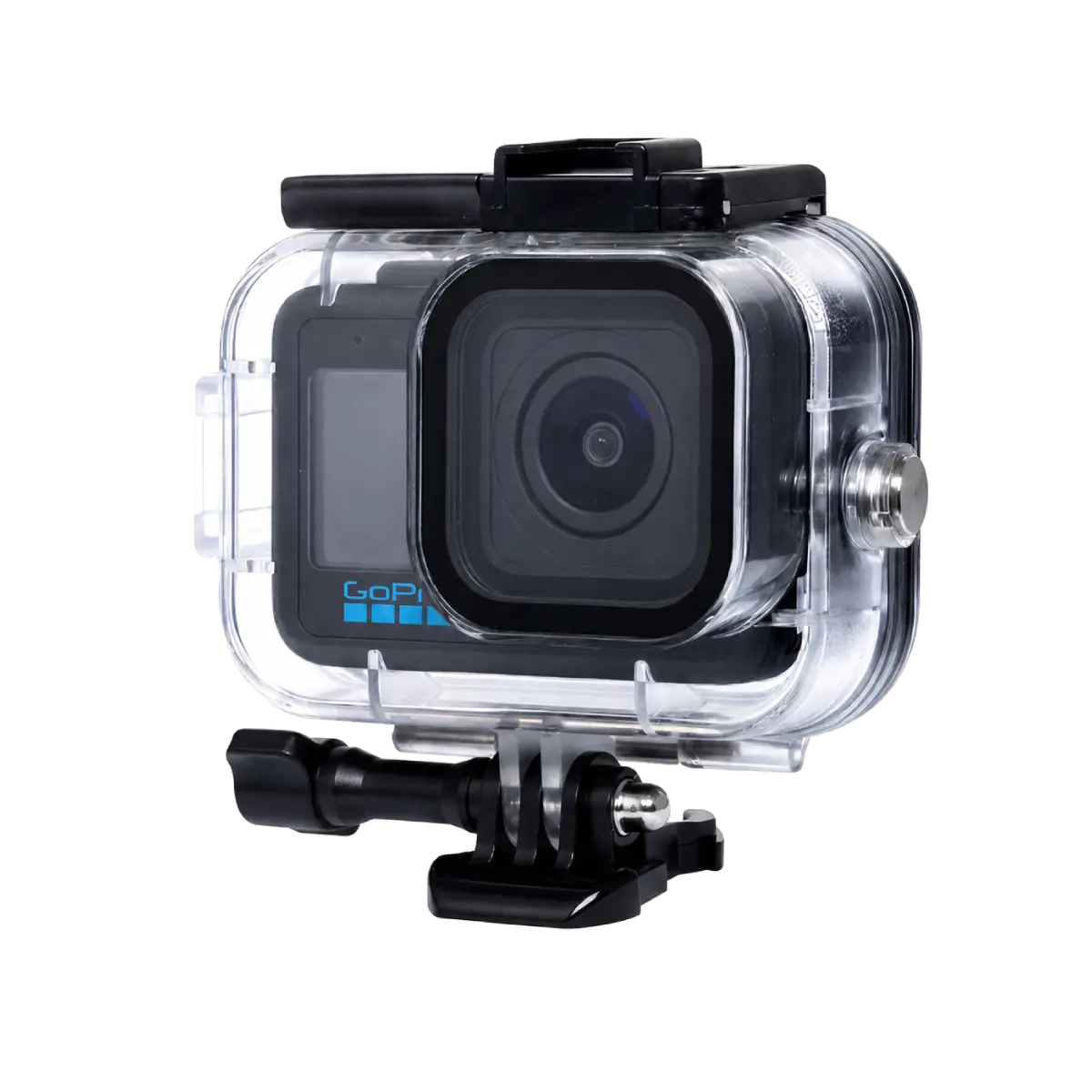
Begin by taking off any temporary protective foil from the lens on the diving case. - Prepare the Sticker:
The sticker is double-sided. Peel off the white side and apply it to the square lens on the diving case. - Attach the Sticker:
Carefully apply the sticker to the square lens of the diving case with the white side facing down. - Attach the Dome Port:
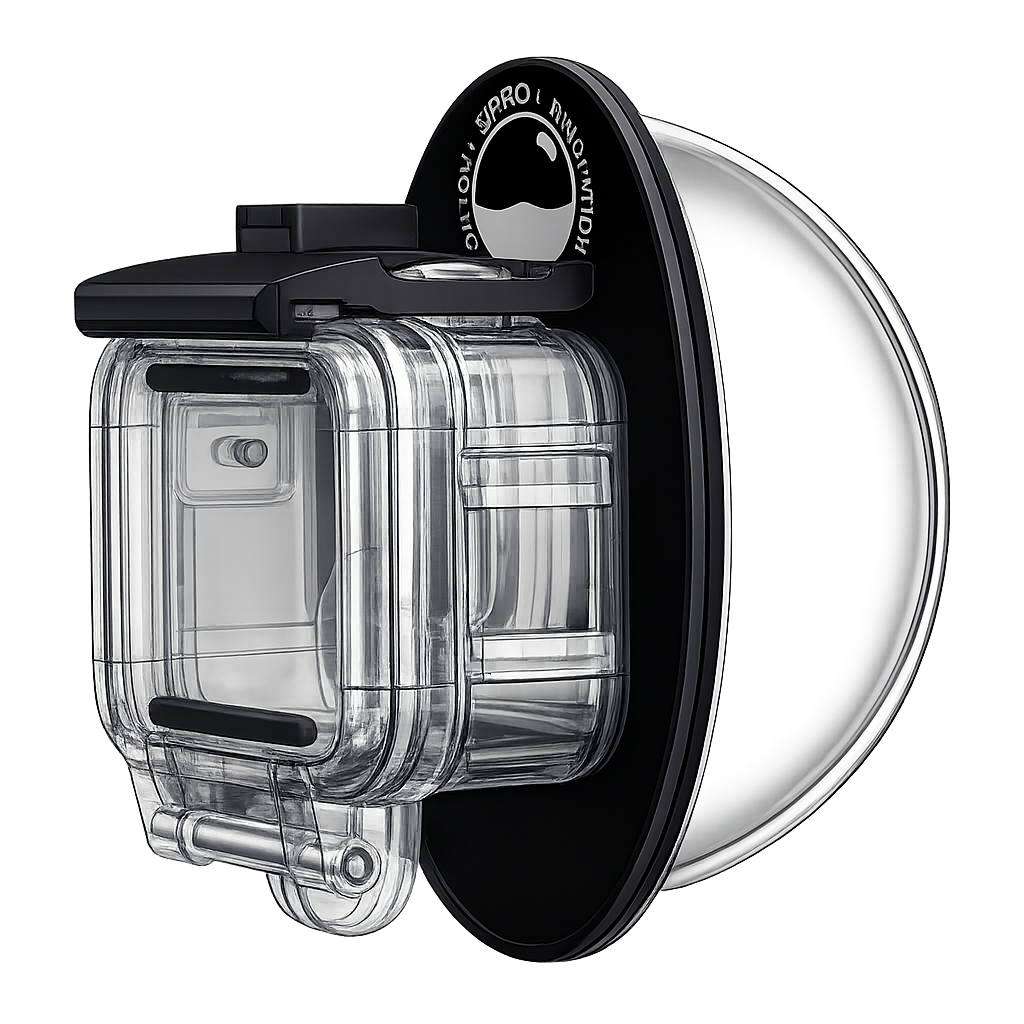
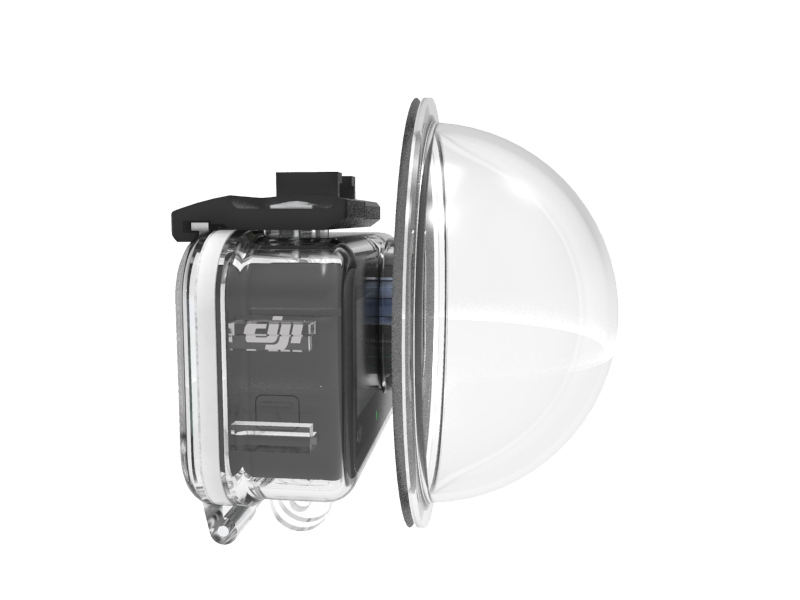
Peel off the red layer of the sticker. Align the square lens on the dome port with the lens on the diving case, ensuring a proper fit. Press firmly to secure the dome port in place.