Introducing 

Manual DJI action 2 camera Dome Port Assembly

We're Here to Help Every Step of the Way! Follow these instructions to easily set up your DJI action 2 camera Dome Port, and remember, our team is always ready to assist with any questions you might have.

  • Remove Protective Film:
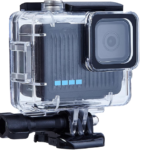
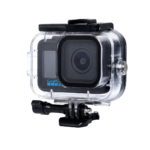
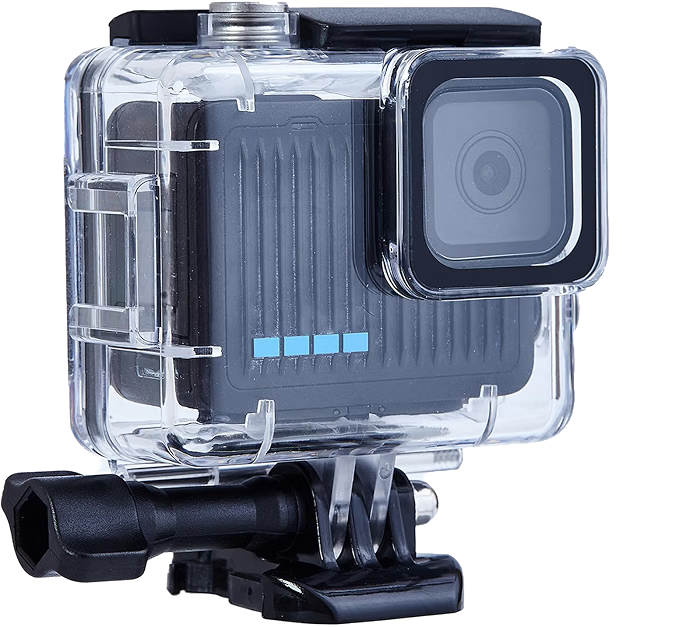
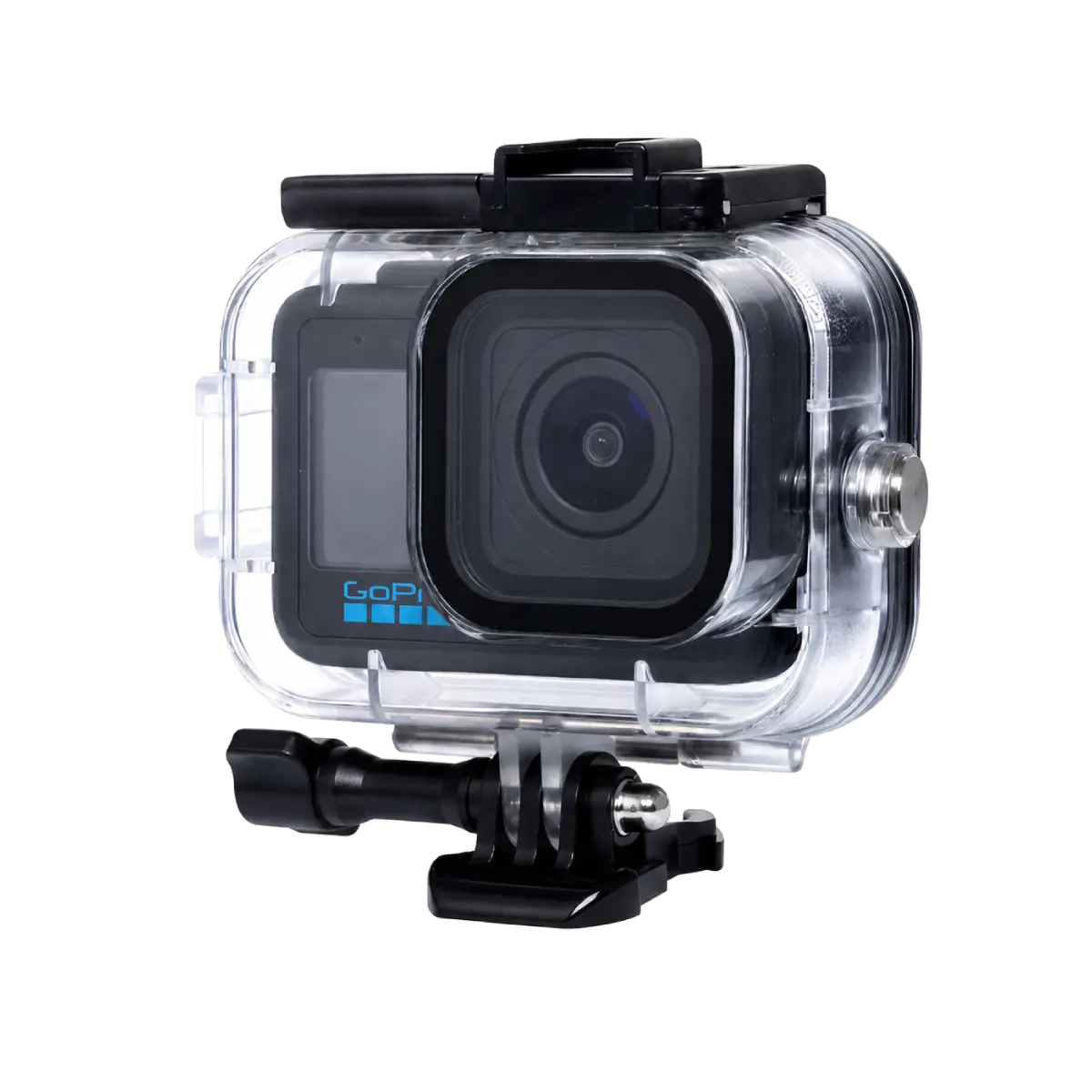
    Begin by taking off any temporary protective foil from the lens on the diving case.
  • Prepare the Sticker:
    The sticker is double-sided. Peel off the white side and apply it to the square lens on the diving case.
  • Attach the Sticker:
    Carefully apply the sticker to the square lens of the diving case with the white side facing down.
  • Attach the Dome Port:
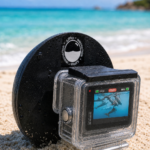
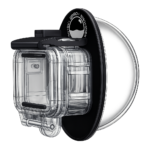
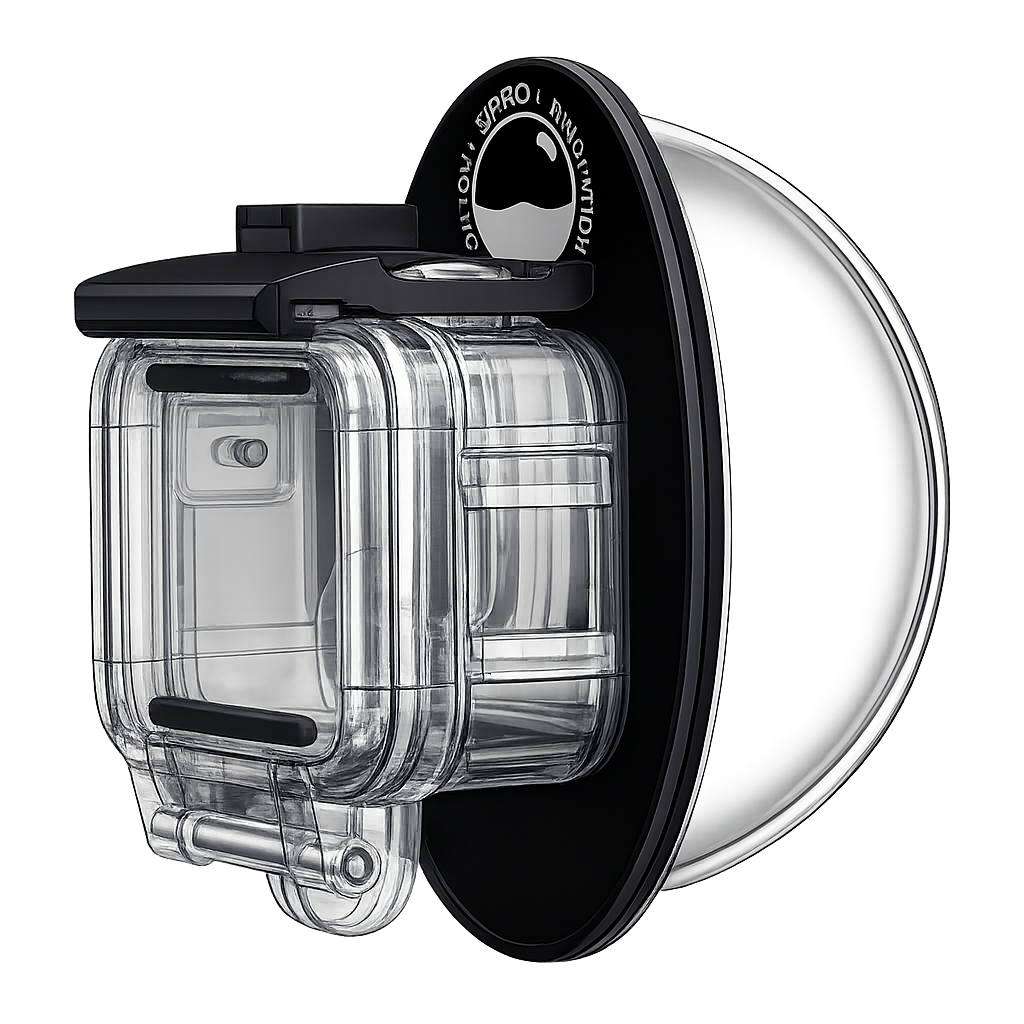
    Peel off the red layer of the sticker. Align the square lens on the dome port with the lens on the diving case, ensuring a proper fit. Press firmly to secure the dome port in place.

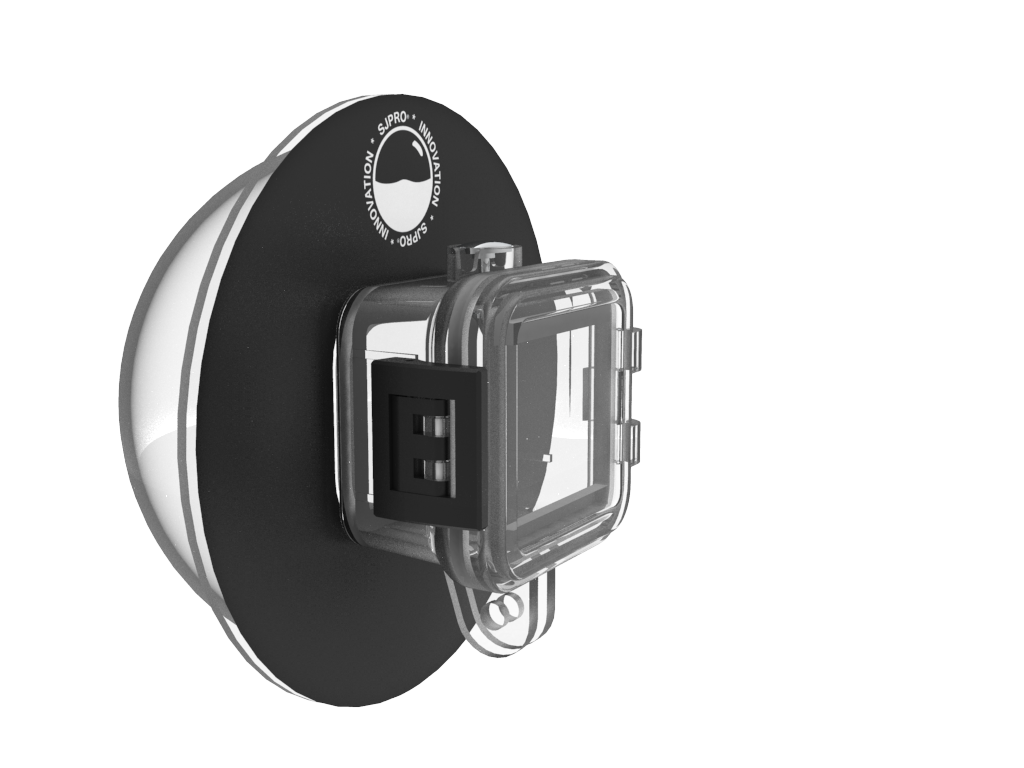
DJI action 2 camera Dome Prot assy

DJI Mini Dome port

Contact Information

If you have any further inquiries or require additional assistance, please feel free to reach out to us. We are available to provide prompt support through WhatsApp at +1 (267) 546-4600 or via email at info@sjpro.net.

Frequently Asked Questions

How do I set up my DJI Action 2 camera Dome Port?

To set up your DJI Action 2 camera Dome Port, remove the protective film, prepare and attach the sticker, then secure the Dome Port in place.

Where can I get assistance for setting up my DJI Action 2 camera Dome Port?

For assistance with setting up your DJI Action 2 camera Dome Port, contact SJPRO through WhatsApp at +1 (267) 546-4600 or via email at info@sjpro.net.

What is the current price of the Dome Port for Insta360 Ace Pro by SJPRO?

The current price of the Dome Port for Insta360 Ace Pro by SJPRO is $35.90, on sale from the original price of $50.80.

ChatBot
Bot
AI Assistant - Beta
Online • SJPRO Buddy
This is an AI-powered assistant designed to provide helpful and accurate responses. While we strive to deliver the best information, responses are automated and may not always be fully complete or precise. For definitive answers, please contact our support team